Open Local Logs
You can open local .log content directly into Debug Log analyzer without fetching from Salesforce.
To open a local log file, click folder icon Open Local Debug Log in top-left action area.

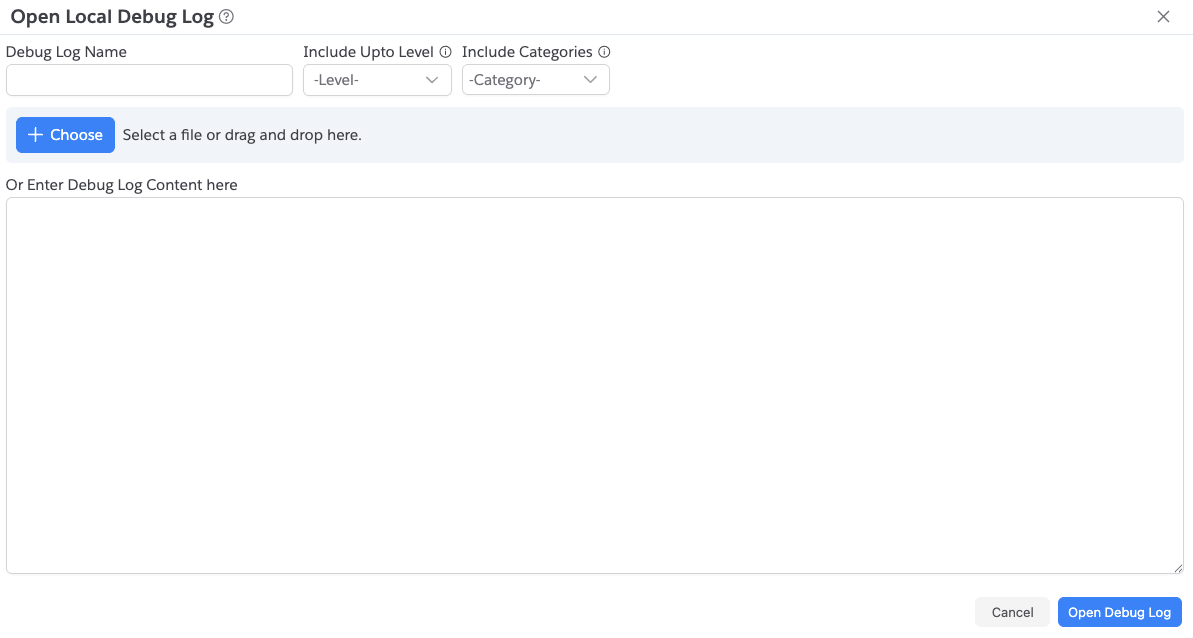
When you click on it, app shows the below dialog. Select a log file or enter the log text.
Input Options
Open Local Debug Log dialog supports:
Debug Log Name(optional)- local file picker
- direct paste of raw log content
- parse options:
Include Upto LevelInclude Categories
Behavior
- After submit, the log opens in analyzer tab with all exploration views.
- If neither file nor content is provided, dialog shows validation message.