Tail Logs
Tail Logs is your Salesforce version of tail -f app.log command. For selected user, it streams new logs and updates
views continuously with auto-trace enabling and disabling when tailing is paused.
To tail for a user,
- Go to Manage Logs,
- Select a User
- Click
Tail Logs.
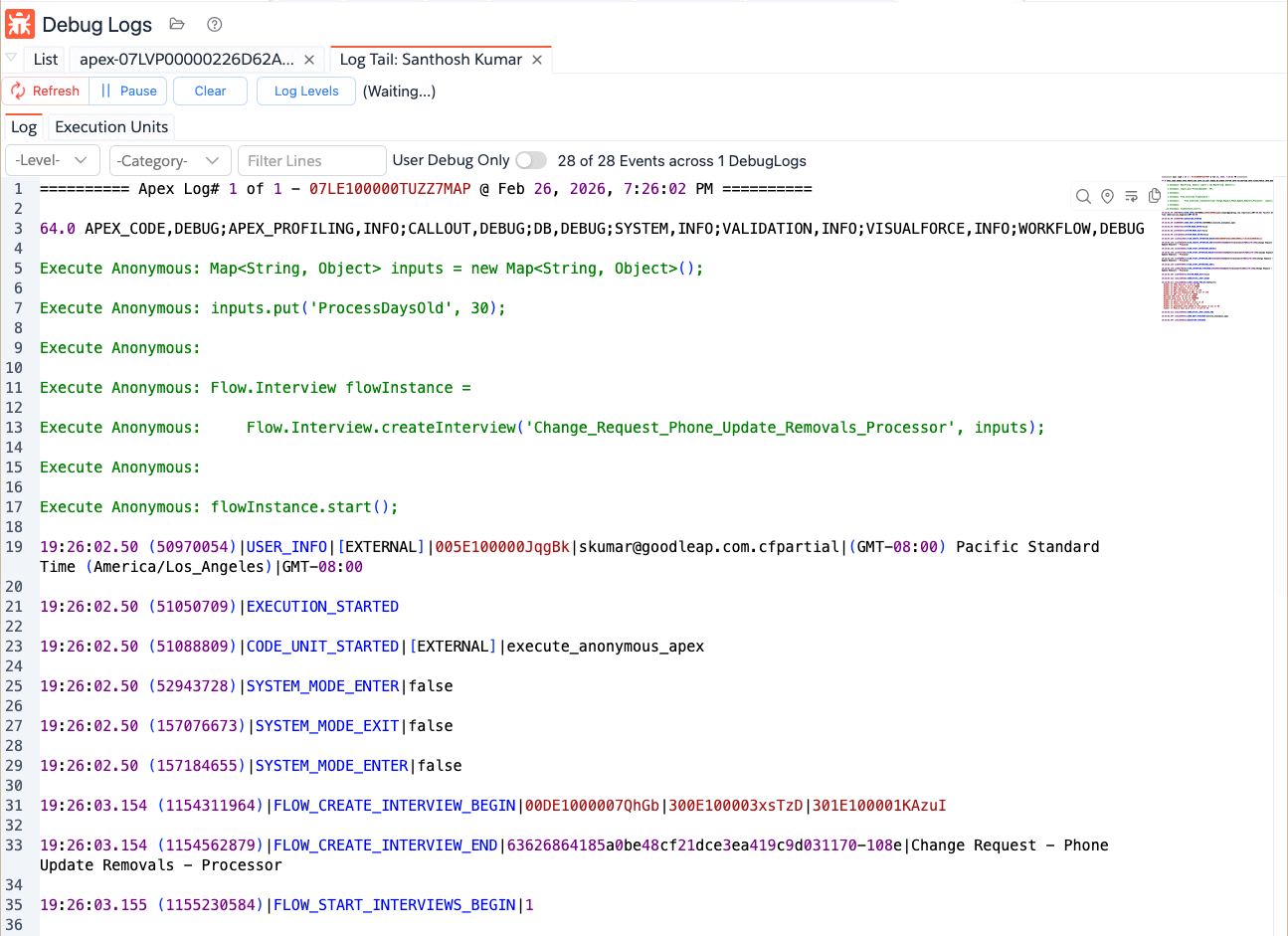
This opens a dedicated tail tab like Log Tail: <User>.
It contains various actions.
- Pause/Resume: It will pause the tailing or resumes. When it is paused, it will disable the tracing.
- Clear: Clears the logs
- Log Levels: Allows you to change the log level. If you change the log levels, you do not have to pause/resume the tailing. It will automatically
Tail View Tabs
Tail view has:
Log: raw text rolling output.Execution Units: aggregated unit view from tailed logs.
Notes
- Tailing enables/disables tracing for the target user in session flow.
- Tail monitor auto-stops after safety limit or when paused/stopped.