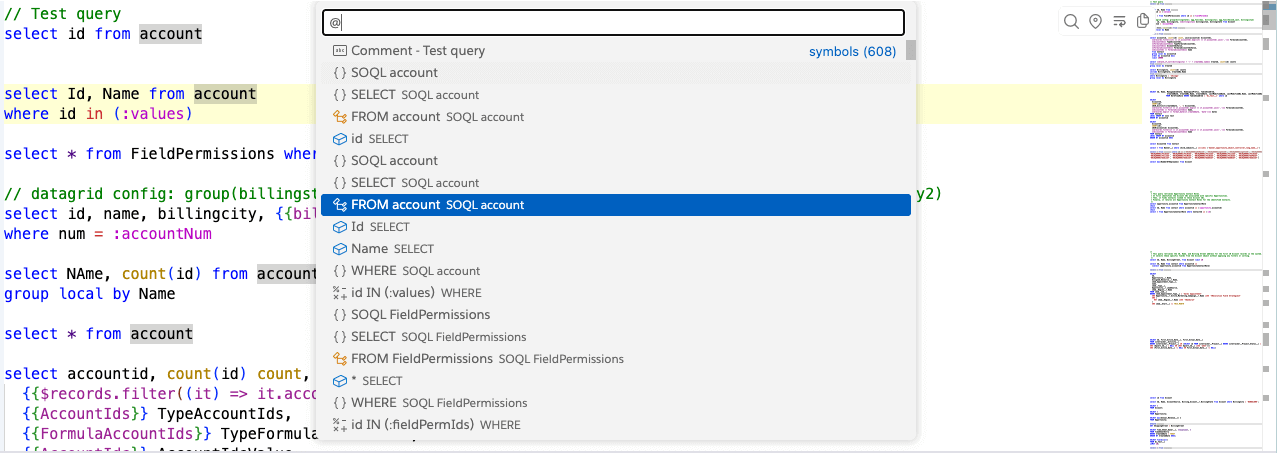
Query Outline
Query Outline feature shows you a list query symbols and lets you search for a symbol and navigate to it.
You can search or navigate for a Query of your interest and then go to that Query starting position by selecting that node. If you’ve used any of the modern code editors, you’d feel right at home using this feature.
Keep in Mind
If you are not able to see the Outline, it is typically due to some issues in the queries like syntax error. Please see if you can identify/fix those and try again.
When you’re in the editor, use shortcut Cmd+O (Mac) or Ctrl+O (Windows) (that’s letter O, not zero) to open the
Outline.
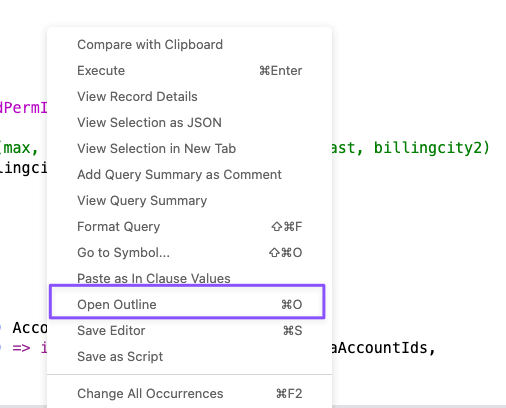
It shows a Panel shown below. You can search for some text of your choice and select the item to go to the start of that selected item.